2
Boosts for Level 1
7
Boosts for Level 2
14
Boosts for Level 3
01
The count is the level
A Server Boost is one boost applied to a Discord server. Discord adds up the boosts that are still active and unlocks a level while that count holds.
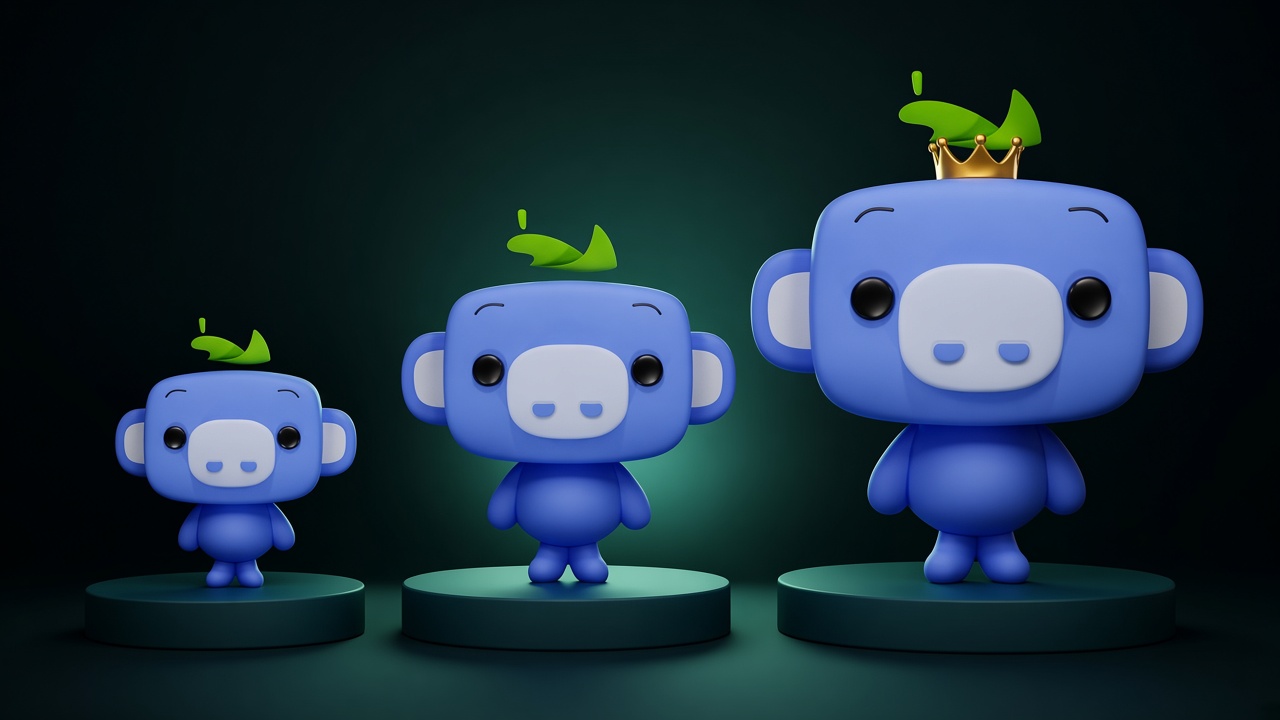
There are three levels. Level 1 needs 2 boosts. Level 2 needs 7. Level 3 needs 14. There is no Level 4. Boosts past 14 do not open another tier. They sit as spare, so the server can lose one and still stay on Level 3.
The perks belong to the server. They are not copied onto each member’s account, and members do not need their own Nitro to use the emoji, the voice quality, or the vanity invite inside that server.
02
What each level adds
Level 1 is the first visible change. The server icon can animate, voice steps up to 128 kbps, emoji slots go to 100, and the invite page can use a custom background.
Level 2 is where the server starts to look finished. A banner shows on the server list and on the invite, voice goes to 256 kbps, emoji slots go to 150, and streams in that server can run at 1080p.
Level 3 is the one people ask for by name. The vanity URL is a short invite you choose. The banner can animate. Voice goes to 384 kbps and emoji slots go to 250.
| Level | Boosts | Voice | Emoji | What people notice |
|---|---|---|---|---|
| 1 | 2 | 128 kbps | 100 slots | Animated icon, invite background |
| 2 | 7 | 256 kbps | 150 slots | Server banner, 1080p streams |
| 3 | 14 | 384 kbps | 250 slots | Vanity URL, animated banner |
If the live boost count falls under a level’s requirement, Discord takes that level’s perks back. A banner, a vanity URL, and the higher voice quality do not stay after the count drops.
03
How a wizmart pack maps
The catalog is sold by boost count, and the price on each card is the checkout total. The level is whatever Discord unlocks from the boosts that stay active. Level 2 asks for 7. Level 3 asks for 14. Extra boosts past a level are spare, so one dropout is less likely to take the perks back.
The term on the card is how long those boosts are meant to stay. Buy from the pack on the site. Checkout on this site collects the invite and the payment.
30 days or 90, compared →04
Count what is already on the server
Discord shows boost progress in Server Settings, under Server Boost. If the server already has some, you may need fewer than a full pack to cross the next line. Match the pack on the site to that gap.
A permanent invite is what the order uses. The boosts go on that server. They do not move ownership, and the order never asks for a Discord password.
What to send instead of a password →05
Questions
- How many Discord boosts does Level 3 need?
- Level 3 needs 14 active Server Boosts. Buy enough boosts from the catalog to reach that count. Extra boosts past 14 keep the level up if one leaves.
- Do extra boosts past 14 unlock another level?
- No. Discord stops at Level 3. Extra boosts keep Level 3 in place if one leaves before the term ends.
- Does the level stay after the pack ends?
- The level stays while the boosts stay active, for the term printed on the product. If a boost drops early, say so on the same order and it is replaced.
Next step
Match the pack to the level.
The price on the card is the checkout total. Buy the pack, then send a permanent invite.